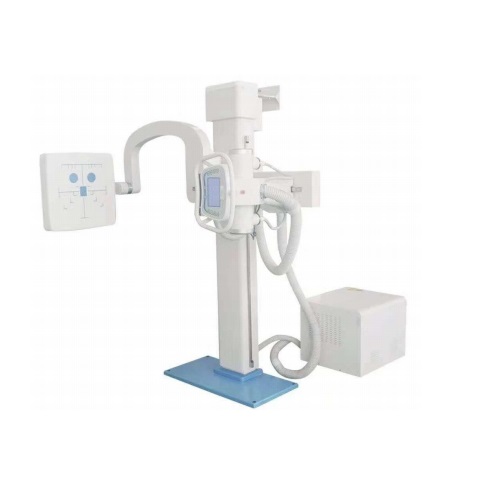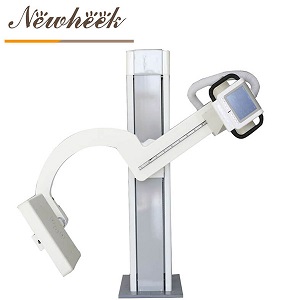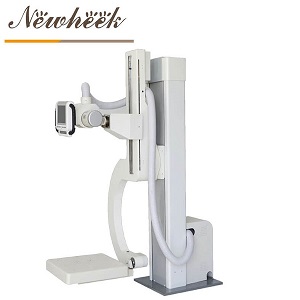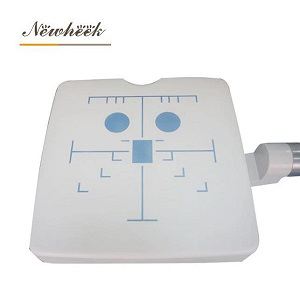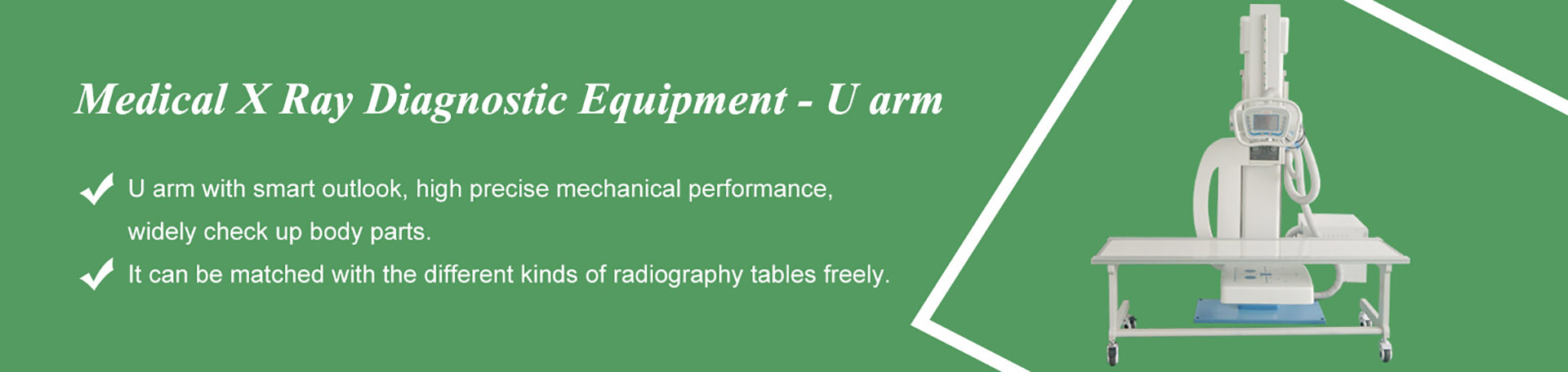

a radiographic table (sometimes called a photography table or film-holding table) is the flat platform a patient lies on during an X-ray exam — but the surface itself is only a fraction of what you are buying. Underneath sit the bucky tray that carries the cassette or detector, the grid that cleans up scatter, the float-and-brake mechanism that lets one tech move a nervous patient into position, and the base that decides whether the table stays put for its whole service life. This guide walks through each layer in plain language, so that when a supplier’s quote says “floating radiology table” you know exactly what should be hiding under that tabletop.
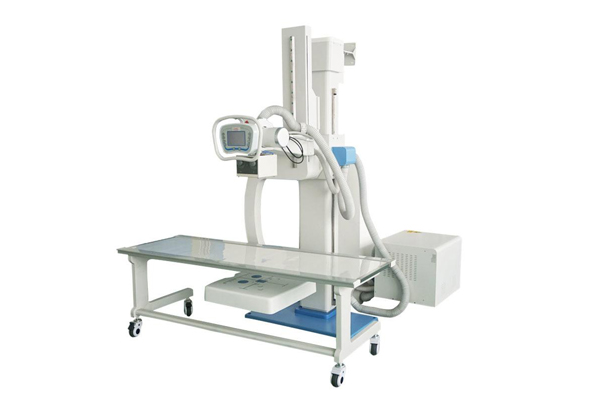
Everything starts with the panel on top. Its job sounds simple — lie flat, stay flat — but three details separate a good tabletop from a disappointing one:
Slide a panel under the tabletop and you have the single most functional part of the table: the bucky tray. This is the slot that holds the cassette — or, in a digital room, the flat panel detector — and it is why a “table” and a “table with bucky” are two different products.
The tray does three jobs. It positions the receptor centered under the beam, it locks the cassette still during the exposure, and on most tables it accepts a scatter-cleanup grid in front of the receptor. If most of your table work involves thicker body parts — abdomens, spines, hips — the grid path is not optional equipment; it is the difference between a contrasty image and a gray one. Our earlier guide to what a bucky stand is covers the wall-mounted half of this story; the tray under a table works on the same principle, just lying down.
One practical detail worth checking in person: how the tray releases and re-latches. A tray that jams with a cassette half-inserted will cost your techs patience every single shift.
Positioning is where tables earn or waste the most staff time. A fixed table means the patient does the moving; a floating table means the tech does. In a floating design, the tabletop glides on internal rollers so a single person can slide a patient into the beam center without lifting, then lock the position.
The vocabulary here is simpler than it sounds. “Four-way floating” means the top glides along the table’s long axis and across its width — the two directions you need to center a patient under a fixed tube. Six-way designs add head-end and foot-end movement as separate controlled motions. Brakes matter as much as movement: most floating tables use electromagnetic brakes released by a hand switch or a foot bar, and the brake should hold the table rock-still the moment you let go.
If you are weighing whether the floating upgrade is worth it for your room, the product page for the four-way floating radiography flat table is the right starting point — and the honest answer depends on your patient mix more than on any spec sheet.
The third layer is what the whole assembly stands on, and it comes in more shapes than buyers expect — the photo above shows three of them side by side.
Controls live on this layer too: brake releases, and on motorized versions, the height or movement switches. Whatever the layout, the test is the same — a tech holding a cassette and a fussy patient should be able to run every control one-handed.
In a U-arm room, the table and the tube stand are choreographed around each other. The tube arm swings from the wall-stand position down over the table, the beam centers on the tabletop, and the tray underneath completes the chain from tube to receptor. Get the geometry right and one room covers standing, lying and cross-table work; get it wrong and you buy a table the tube cannot reach properly.
Two pairing checks prevent most regrets. First, confirm the tube arm’s lowest working position actually clears the tabletop with your preferred source-to-image distance — a table that is too tall for the column’s travel is an expensive paperweight. Second, think about angled work: cross-table laterals and oblique views place the beam at odd heights relative to the table edge, and our article on lateral, oblique and cross-table exams walks through which of those a U-arm room can honestly take. For rooms that need the tube to track the receptor automatically as either one moves, the auto-tracking layout described in our motorized versus manual comparison is the current upper tier.
If your room handles sedated, injured, elderly or bariatric patients — or simply runs a high daily volume — yes, in most cases. Floating tops turn two-person lifts into one-person slides, which is a safety improvement before it is a convenience. For low-volume rooms with mostly ambulatory patients, a fixed cabinet table remains the honest budget choice.
Physically, often yes — a floating table works with any tube that can center over it. The details that decide compatibility are the tube’s lowest working height over the tabletop and the room’s floor anchoring plan, so confirm both with the supplier before mixing brands.
A fully manual table does not. Floating tables with electromagnetic brakes and any motorized movement version do — usually a standard outlet dedicated to the table, so brake release never depends on a shared power strip.
Four-way covers the two centering directions most general radiography needs. Six-way adds controlled head-end and foot-end travel, which mainly pays off in specialty work — long-length stitching setups, or rooms that alternate between very different exam types. If you cannot name the exams that need that extra travel, four-way is usually the correct spend.
Choosing between a fixed cabinet table, a four-way floating table and a column-mounted layout depends on your room, your receptor and your patient mix — and we match tables to U-arm systems every week. Tell us your room dimensions and current equipment, and we will suggest the configuration that fits instead of the most expensive one.
Tel: +86 19062611512
Email : admin@newheek.cn
Company : Weifang Newheek Electronic Technology Co., Ltd.