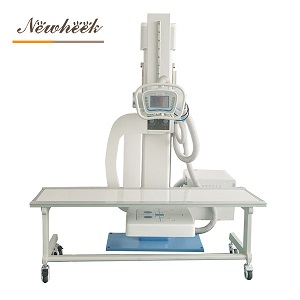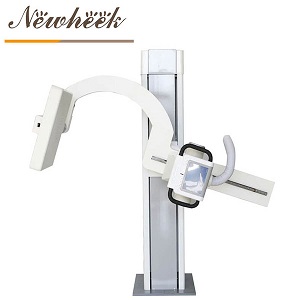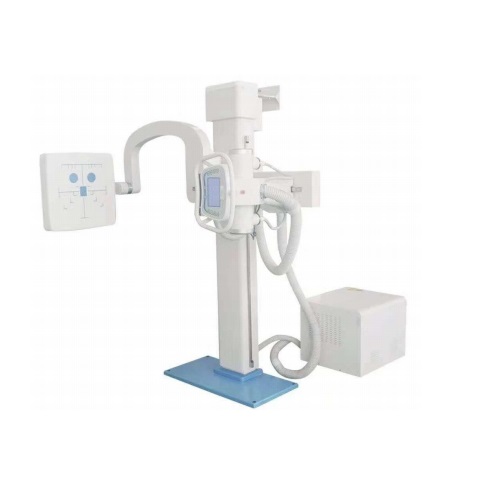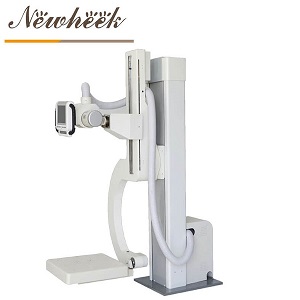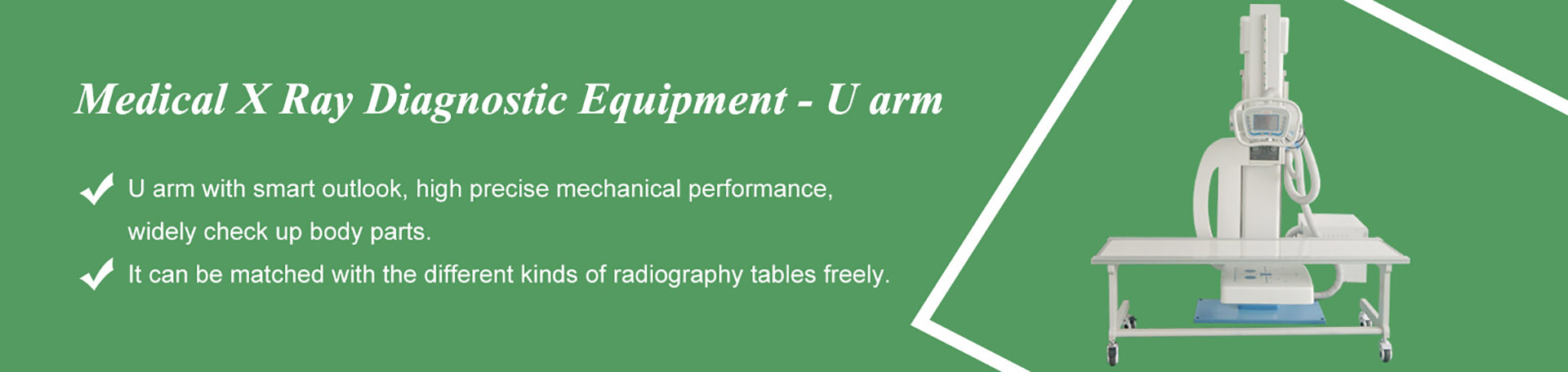

in most film-to-DR upgrades, the mechanical side of the room — the floor column, the radiographic table, and the wall stand — survives the conversion. What actually changes is the imaging chain: the detector, the acquisition workstation, the generator interface, and in some rooms the bucky tray and grid. The engineering question is not “do we demolish the room?” but “which components can carry a digital panel safely and accurately?” This article walks through each part of the rack from that angle.
Film and CR rooms are still common in many markets, and converting them to digital radiography is usually far cheaper than building a new DR room from scratch. But an upgrade is only cheap when the existing equipment is genuinely reusable. Reusing a worn or incompatible component to save a little money often produces the worst outcome of both worlds: new-detector image quality dragged down by old hardware. The lists below sort the room into three buckets — keep, re-check, and replace — so the survey conversation with your supplier starts from facts instead of guesses.
A radiography room is really two systems wearing one uniform. The first is mechanical: columns, arms, tables, trays, brakes — components whose job is to position something accurately and hold it there. The second is the imaging chain: detector, cabling or wireless link, acquisition workstation, and the synchronization between generator and capture.
Digital conversion replaces the second system almost entirely. The detector takes over the role of film and the CR reader, and the workstation takes over processing. The first system, however, was never tied to film technology. A floor column that rotates and travels smoothly holds a tube the same way whether the receptor behind the patient is cassette or panel. That is why the payback math of an upgrade is so attractive — most of the room’s value is in steel and motion, and steel and motion do not care about pixels.
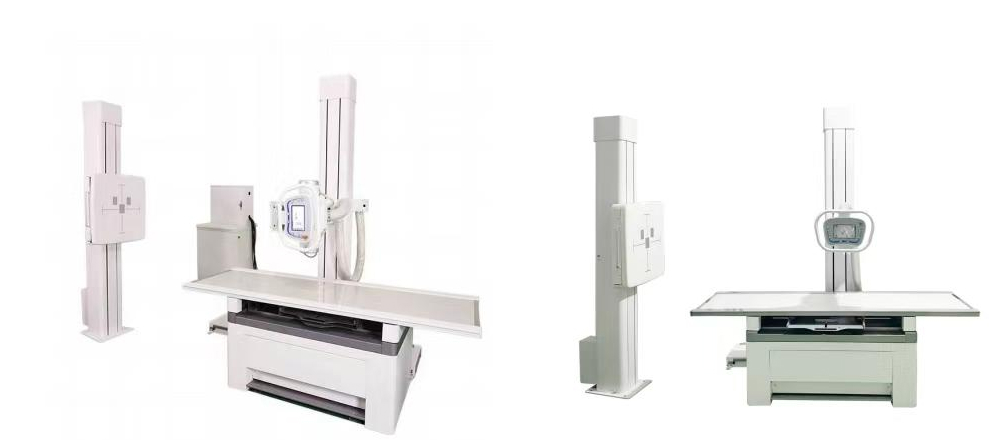
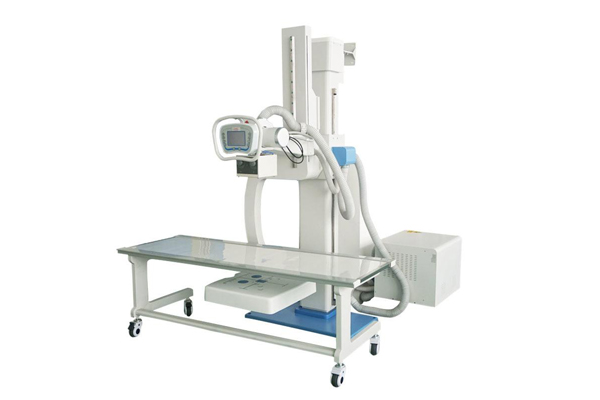
Because the tube head, collimator, and detector carriage all mount to or track along the column, a U-arm room is naturally receptor-agnostic: the panel sits where the cassette sat. Before committing, have an engineer confirm that the carriage lock, the cassette tray interface, and the tube-to-detector alignment still hold calibration. On most serviced machines this is routine. What matters is not age alone but condition — smooth travel, positive locking, and no drift when the arm is positioned.
A floating-top table with a tray under the top is the single most reused component in conversions. The panel slides into the tray the way a cassette did, and the table carries on doing its job. The checks that matter live in the next section — tray size and grid compatibility — because those are the two places where film-era tables quietly differ from what a digital panel expects. If you are also weighing whether the table itself should be motorized in the same project, our comparison of motorized and manual bucky stands covers the workload factors worth considering.
Chest and upright work is the highest-volume workflow in most general rooms, so the wall stand matters more than its simple appearance suggests. Most wall stands accept the same cassette formats that digital panels use; the survey should verify that the panel seats securely, the face is undamaged, and the centering marks still line up with the tube’s central ray at standard heights. For rooms where the wall stand is simply at the end of its life, a purpose-built wall-mounted bucky stand is a straightforward single-component replacement that does not disturb the rest of the room.
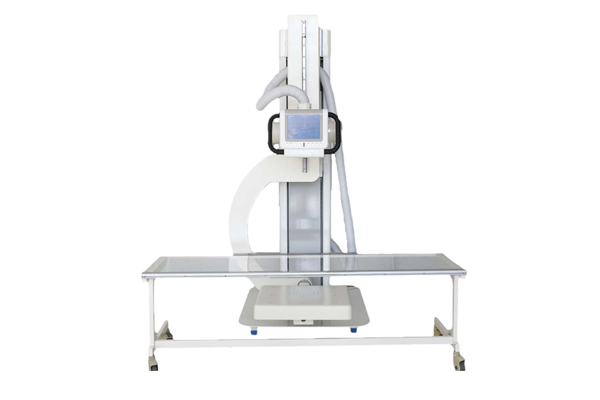
These items usually can stay, but each one carries a condition that must be verified during the site survey — ideally with a tape measure and the detector vendor’s specification sheet on the table.
Three components are replaced more often than not, and each for a practical reason:
A short survey visit — or a well-photographed self-survey — turns a vague upgrade inquiry into a fixed-price project. Bring this list:
For rooms converting to a U-arm layout in the same project — rather than keeping a separate table-and-wall-stand arrangement — our overview of UC-arm configurations and the four-way floating radiography table and electric double bucky stand product pages show the room-level combinations that pair with this kind of conversion.
Reusing everything is not automatically the right call. Three situations tilt the math toward replacing more of the room:
A good supplier will say this plainly after seeing the survey data. If a quote arrives before anyone has asked about the tray, the grid, or the generator, treat that as a signal to slow down.
Usually yes, provided its interface options can synchronize with the new detector. The three connection approaches differ in wiring and workflow, and the right one depends on the generator’s make and age — which is why the generator details belong in the survey, not in the installation week.
Not automatically. Compare the grid’s printed specification with the detector vendor’s acceptable grid parameters. If they match, keep it; if the panel is more sensitive to cutoff than film was, plan the grid into the budget now rather than troubleshooting banding later.
In many rooms, yes — a wireless panel can move between table tray, wall stand, and tabletop work, which is part of its appeal. The tray must still seat it squarely and protect it, and the room needs a charging plan. The trade-offs between tethered and untethered panels are covered in our wired versus wireless comparison.
Once equipment is on site, the on-room work is usually a matter of days: swap the imaging chain, connect and calibrate, test, and train. The variable part is everything around it — surveys, generator interfaces, network readiness — which is precisely why the checklist above exists.
For rooms with a healthy column, table, and generator, upgrading is typically the lower-cost path and reaches clinical use sooner. When two or more of those three components are worn out, a new room often wins on total cost of ownership — a decision best made against a full room-level quote rather than component prices alone.
Planning a film-to-DR conversion? Send us photos of your column, table tray, wall stand, and generator control panel — we will tell you which components are reusable and which belong in the replacement budget, before you commit to anything.
Email: admin@newheek.cn | Tel/WhatsApp: +86 19062611512
Tel: +86 19062611512
Email : admin@newheek.cn
Company : Weifang Newheek Electronic Technology Co., Ltd.